
The Ghost in the Gadget: The Real Dangers of Snapchat for Kids (And How to Protect Your Home)
- May 19
- 4 min read
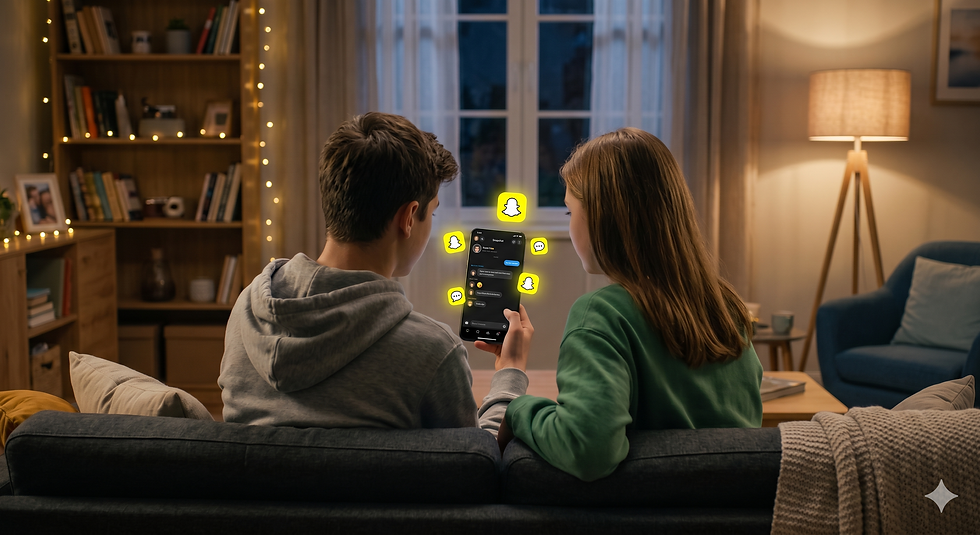
It is the app with the little yellow ghost icon that nearly every pre-teen and teenager begs to download. To kids, Snapchat looks like pure fun: funny face filters, casual group chats, and a way to talk to friends without leaving a permanent digital footprint.
But behind the playful masks and the promise of "disappearing text messages" lies a reality that has child safety experts and parents deeply concerned. In fact, European regulators and state attorneys general have recently launched heavy investigations into how the app handles minor safety.
As parents, it is easy to feel out of the loop. If your child is using Snapchat, or asking to download it, here is an honest look at the hidden dangers built into the app's design and how you can take back control.
1. The Disappearing Act (A False Sense of Security)
Snapchat’s core feature is that photos, videos, and texts vanish seconds after they are opened. For kids, this creates a dangerous psychological illusion: “If it disappears, it didn't happen, and there are no consequences.”
This encourages kids to take risks they would never take over standard text messaging or email—such as sending inappropriate photos, participating in cyberbullying, or sharing deeply personal secrets.
The Reality Check: Nothing on the internet truly disappears. It takes a split second for another user to take a screenshot, capture the screen with a second device, or use a third-party app to save the media without the sender ever knowing.
2. The Gamification of Anxiety: Snapstreaks
If you see your child frantically begging for their phone just to send a blank picture of the ceiling to ten people, they are likely trying to save a "Snapstreak." A streak happens when two users snap each other every single day consecutively.
While it sounds harmless, the app visualizes this with fire emojis and a ticking countdown timer. This intentional design forces compulsive use. Kids feel immense social anxiety and peer pressure to keep the streak alive, turning what should be a casual app into an absolute screen-time magnet that disrupts homework, family time, and sleep.
3. Snap Map and Real-Time Location Tracking
One of Snapchat’s most alarming features is the "Snap Map." If enabled, it tracks a child’s precise GPS location in real time and broadcasts it to everyone on their friends list.
While the app defaults teens to private mode, kids frequently toggle it on to see where their friends are hanging out. The danger? "Friends" on Snapchat aren't always real-world friends. If your child accepts a friend request from an acquaintance, a stranger, or a mutual friend of a friend, that person now knows exactly where your child lives, goes to school, and hangs out on the weekend.
4. The Pitfalls of "My AI" and Unmoderated Content
Every Snapchat user now has a permanent chatbot at the top of their inbox called "My AI." While designed to be a helpful assistant, global tech investigations have shown that AI chatbots can easily be manipulated into giving kids age-inappropriate advice, discussing sensitive topics, or helping them bypass standard parental rules.
Furthermore, the app's "Discover" and "Spotlight" pages act as a public feed. Even with the app’s built-in teen safety settings, adult-oriented content, explicit themes, and algorithmic rabbit holes are just a swipe away.
How to Protect Your Kids (Without Being a Full-Time Detective)
You shouldn't have to spend your evenings secretly auditing your child's phone history or arguing at the dinner table. Snapchat's built-in tools (like their Family Center dashboard) let you see who your child talks to, but they require your teen's permission to set up, and they won't stop your child from using the app at 2:00 AM.
To create real digital safety, you have to look outside the app itself and secure your home at the source: your internet connection.
Here is how you can use smart network management to put a safety net around your kids:
1.Enable Whole-Home Content Filtering:Block at the source.
Don't rely on Snapchat to filter itself. By utilising our broadband network’s built-in online protection, you can automatically filter out explicit web content, malicious links, and dangerous platforms across every single device connected to your Wi-Fi, running silently in the background.
2.Schedule Hard Internet Breaks:Control the clock.
To break the addictive spell of Snapstreaks and late-night scrolling, use our companion parental app to schedule automated Wi-Fi pauses. You can set a "Bedtime Block" or a "Homework Window" that completely drops the internet connection for your child's specific phone or tablet, rendering the app useless when they should be resting.
3.Manage App Allowances Directly:Audit the app list.
If you decide your child isn't mature enough for Snapchat yet, you can use our parental control app to completely restrict access to the platform. You get to decide exactly what apps are allowed to communicate through your home network and when.
4.Enforce:Lock down the app settings.
If you do allow your teen to use the app, sit down together and adjust the native settings: turn on Ghost Mode (which hides their location entirely on the Snap Map), disable "Quick Add" so strangers can't easily find them, and restrict incoming messages strictly to "Friends Only."
The Ultimate Goal: Open Conversation
The most powerful tool in your parenting toolkit isn't a piece of software—it’s communication. Apps like Snapchat thrive on secrecy. By setting up automated network-level boundaries, you take away the daily friction of being the "bad guy" who snatches the phone away.
Use that saved energy to talk to your kids openly about why these boundaries exist. Teach them that their safety and privacy are worth protecting, and that a true friendship is built on real-world connection—not a digital fire emoji.
Tired of policing the apps on your kids' phones? Take control of your home internet. Discover our family-first broadband plans featuring automated safety protection and easy app-scheduling today. https://signup.halointernet.co.nz/


Comments